
Stingray Sniper
Firstly, what’s a Rayhunter?
As best explained by their repo:
Rayhunter is an IMSI Catcher-Catcher for the Orbic mobile hotspot.
For the flag format we need 3 parts of information:
- The IMSI
- The IMEI
- The zip code of the catcher-catcher
The IMSI
We can the IMSI from exploring the supplied pcap in Wireshark.
It’s visible inside packet 28 in the (NAS)PDU section of the packet dissector.
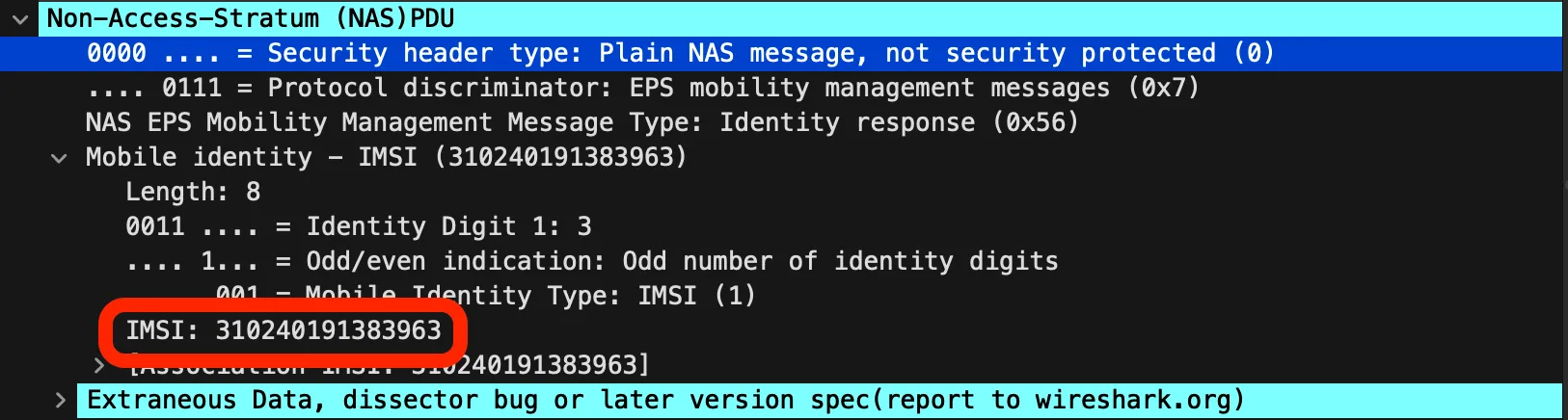
Easy enough, let’s do the rest!
The zip code
Generally the zip code is not going to be transmitted, but the tower locations might!
To properly search the tower we need a few values
- Cell ID
- MCC
- MNC
A service like CellMapper can do this.
We can use this Wireshark filter to get connectivity requests and data blocks containing the relevant information: nas-eps.nas_msg_emm_type == 0x41 || lte-rrc.systemInformationBlockType1_element
The SystemInformationBlockType1 packets contain cell IDs that can be used to find the zip code of the catcher.
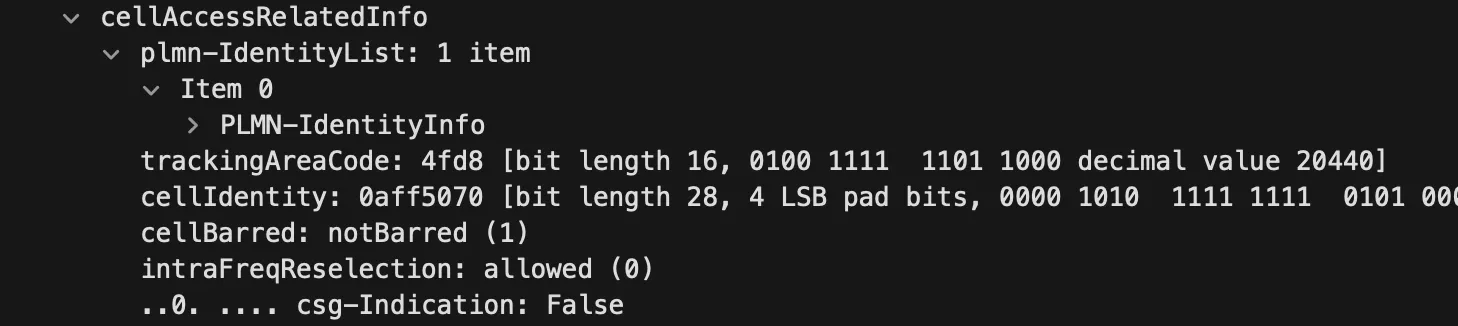
The same packets also contain the MCC and MNC:
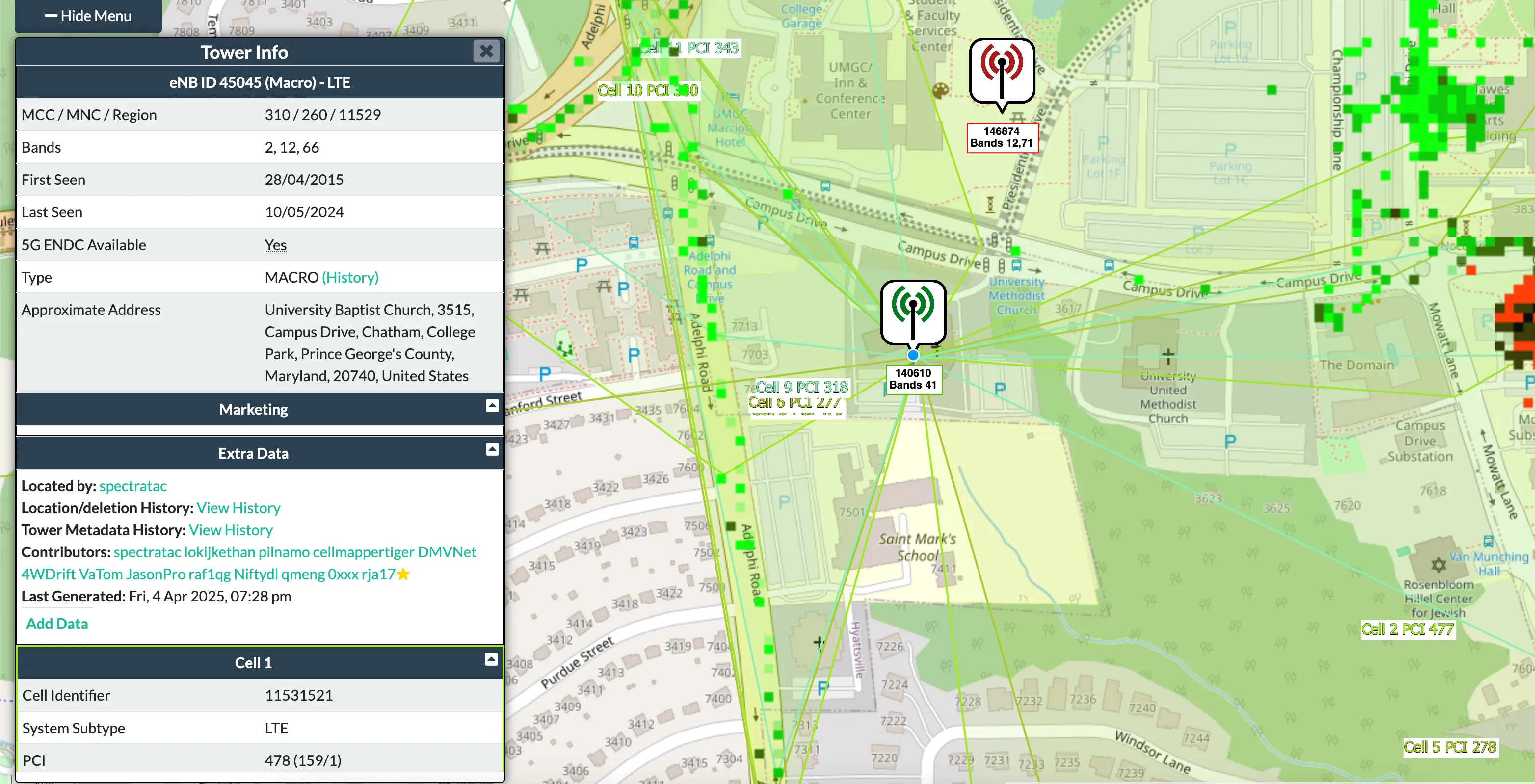
This is where we got stuck, from here onwards is post-solve!
Now on CellMapper, set your provider to the correct MCC and MNC (I did this by picking any provider then changing the URL to the correct MCC and MNC values)
There are a lot of blocks here that don’t resolve to a match so you had to try a lot… This one just ended up working!
We can then use the CellID converter to convert it to an eNB.
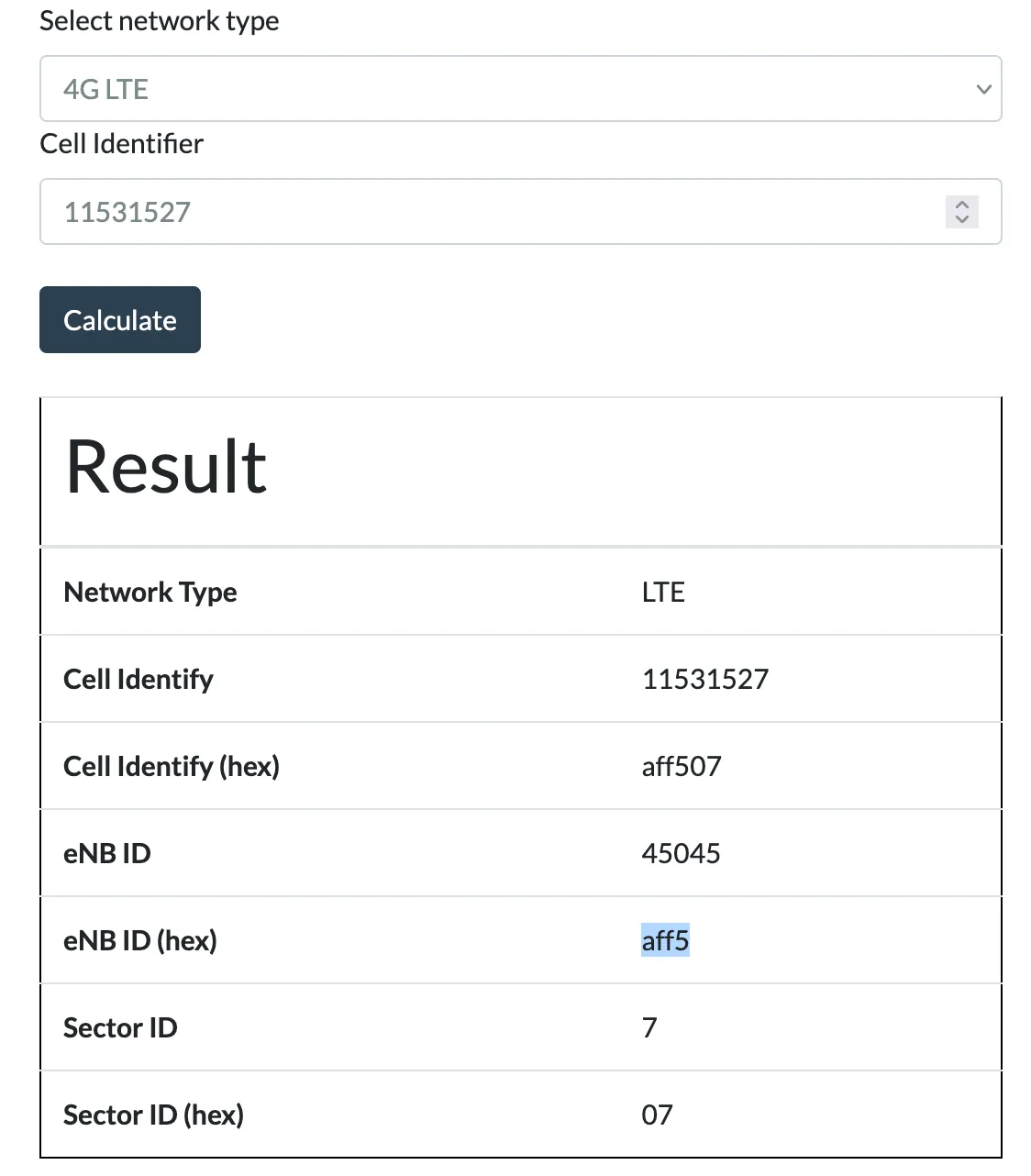
With that we can search and find the tower using the provider filter and the eNB ID!
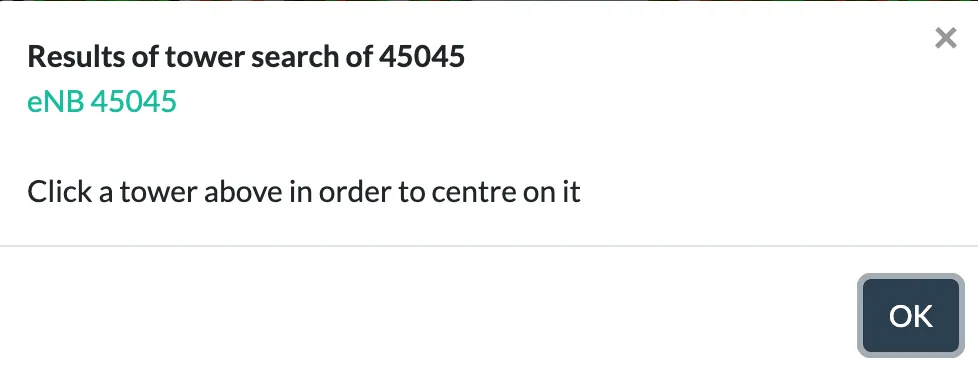
From this we can get a Google Maps Pin, the ZIP code of the main field it covers (Ludwig field) is 20472.
The IMEI
The IMEI can be located in packet 36 in the form of an IMEISV:
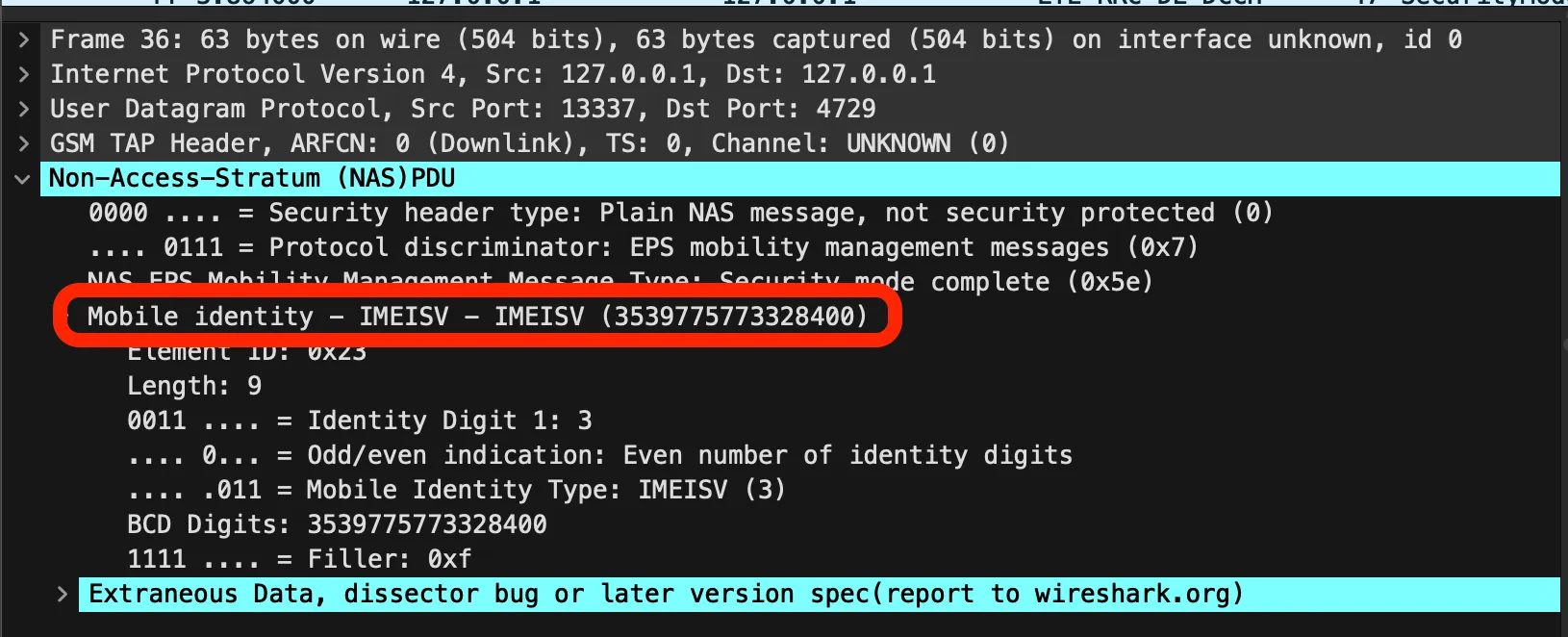
The IMEISV (upon lookup) is a 16 digit code with a software version as the last 2 digits, the first 14 are the IMEI but it is missing the checksum number.
The IMEI checksum can be calculated with Luhn’s algorithm, this allows us to get the complete flag.
Flag: DawgCTF{310240191383963_353977577332846_20472}
Related Writeups
Chunked Integrity
This is one of my favorite images! Unfortunately something has gone wrong and I cant see the whole thing, can you help f ...
Just Packets
Here pcap. Find flag.
Keeping on Schedule
One of our computers on the company network had some malware on it. We think we cleared of the main payload however it c ...