
Ph4nt0m 1ntrud3r
 PicoCTF forensics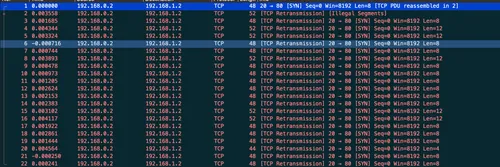
We start with a myNetworkTraffic.pcap which can be opened with Wireshark, so let’s start there.
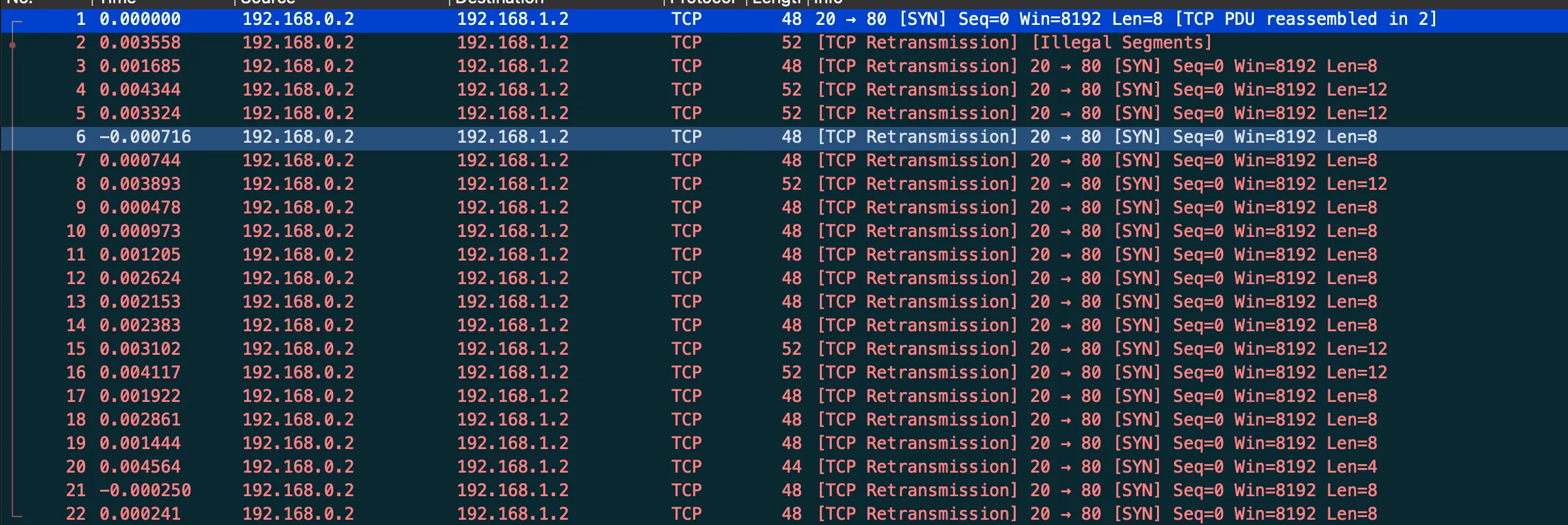
There are a total of 22 TCP packets. Selecting a packet we can see what looks to be Base64 data in the tcp.segment_data:
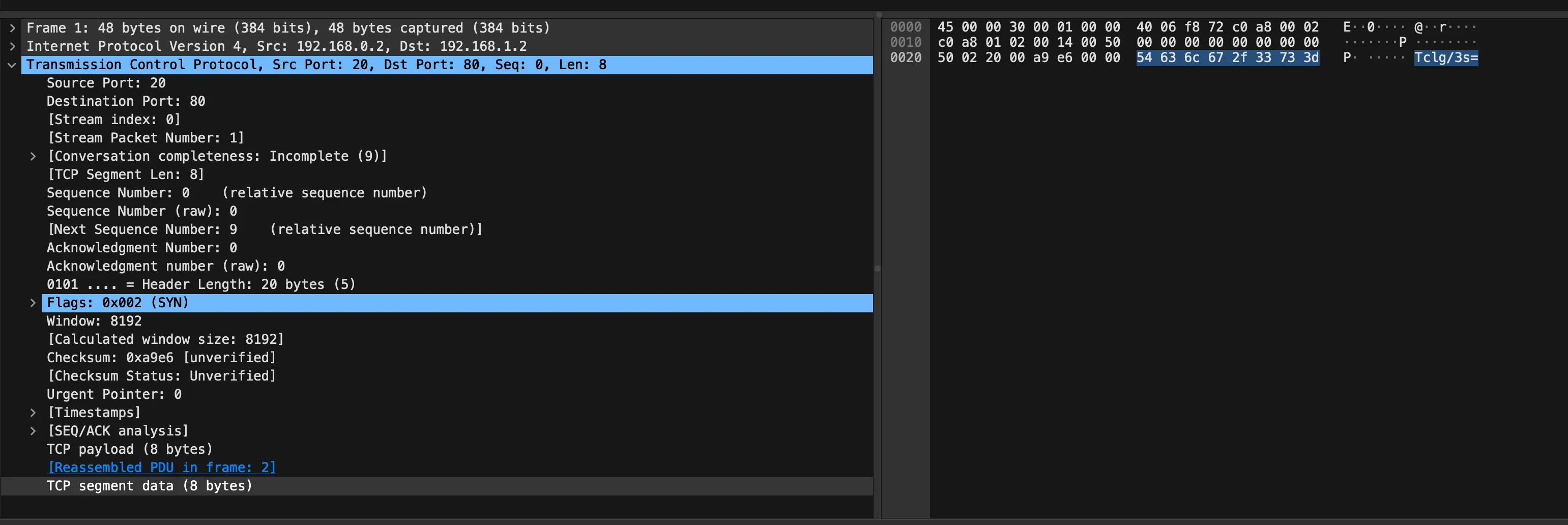
Let’s use tshark to extract the data:
$ tshark -r myNetworkTraffic.pcap -T fields -e tcp.segment_data
54636c672f33733d
626e52666447673064413d3d
...
39447049626b413d
514b7a46582b633d
Let’s decode the hex in bash (This can also be done manually with CyberChef, Dcode.fr, etc):
$ tshark -r myNetworkTraffic.pcap -T fields -e tcp.segment_data | while read line; do echo $line | xxd -r -p; echo; done
Tclg/3s=
bnRfdGg0dA==
RHxhtS4=
...
9DpIbkA=
QKzFX+c=
Let’s now decode the Base64 strings!
$ tshark -r myNetworkTraffic.pcap -T fields -e tcp.segment_data | while read line; do echo $line | xxd -r -p | base64 -d; echo; done
M�`�{
nt_th4t
D|a�.
...
�:Hn@
@��_�
Now were getting somewhere, I’m now going to filter it to human readable characters!
$ tshark -r myNetworkTraffic.pcap -T fields -e tcp.segment_data | while read line; do echo $line | xxd -r -p | base64 -d; echo; done | grep '^[A-Za-z0-9/\{\}\._-]*$'
nt_th4t
66d0bfb
{1t_w4s
_34sy_t
picoCTF
bh_4r_9
}
We can now visually reconstruct the flag!
Flag: picoCTF{1t_w4snt_th4t_34sy_tbh_4r_966d0bfb}
Related Writeups
Chunked Integrity
This is one of my favorite images! Unfortunately something has gone wrong and I cant see the whole thing, can you help f ...
Just Packets
Here pcap. Find flag.
Keeping on Schedule
One of our computers on the company network had some malware on it. We think we cleared of the main payload however it c ...